
The cash box at the end of the night
Walk-ups still matter at many events here, from comedy open mics to rooftop gigs. The usual kit is a cash box, a paper ticket book and a midnight count that never matches what the door team remembers.
With Quicket POS, every door sale is a ticket with a record behind it, issued from the same event your online buyers booked.
What you need at the table
It all fits on a folding table by the entrance:
- An Android device running Quicket POS
- A thermal printer for the tickets
- An internet connection, from venue wifi or mobile data
- Your bank's card terminal, if you take cards
A door sale, step by step
Take a Friday night on a Gulshan rooftop. Online sales closed at 8pm, but people keep arriving after dinner. Your seller picks the ticket type on Quicket POS, the guest pays, and the printer hands over a ticket that's scanned ten steps later in Quicket Studio.
The guest pays cash, scans a Bangla QR, or uses a card on your bank's terminal. The terminal comes from your bank, so arrange it with them before the event.
At a café open mic, the whole box office can be one person, one Android phone and a printer on a stool.
Plan for the connection
Quicket POS needs internet to sell. Basements, packed halls and open grounds can have weak signal, so test it at the box-office spot during setup. A backup SIM or pocket router on a different operator is cheap insurance.
Keep spare thermal paper by the printer. Rolls run out just as the second wave of walk-ups arrives.
Selling and scanning are separate jobs
Put the box office a few steps before the gate, with different people on each. The seller takes payment and prints on Quicket POS. The gate team scans every ticket, printed or on a phone, in Quicket Studio.
The gate keeps moving while the table counts change. Gate staff can use scanner roles that hide revenue, so only the people you choose handle money.
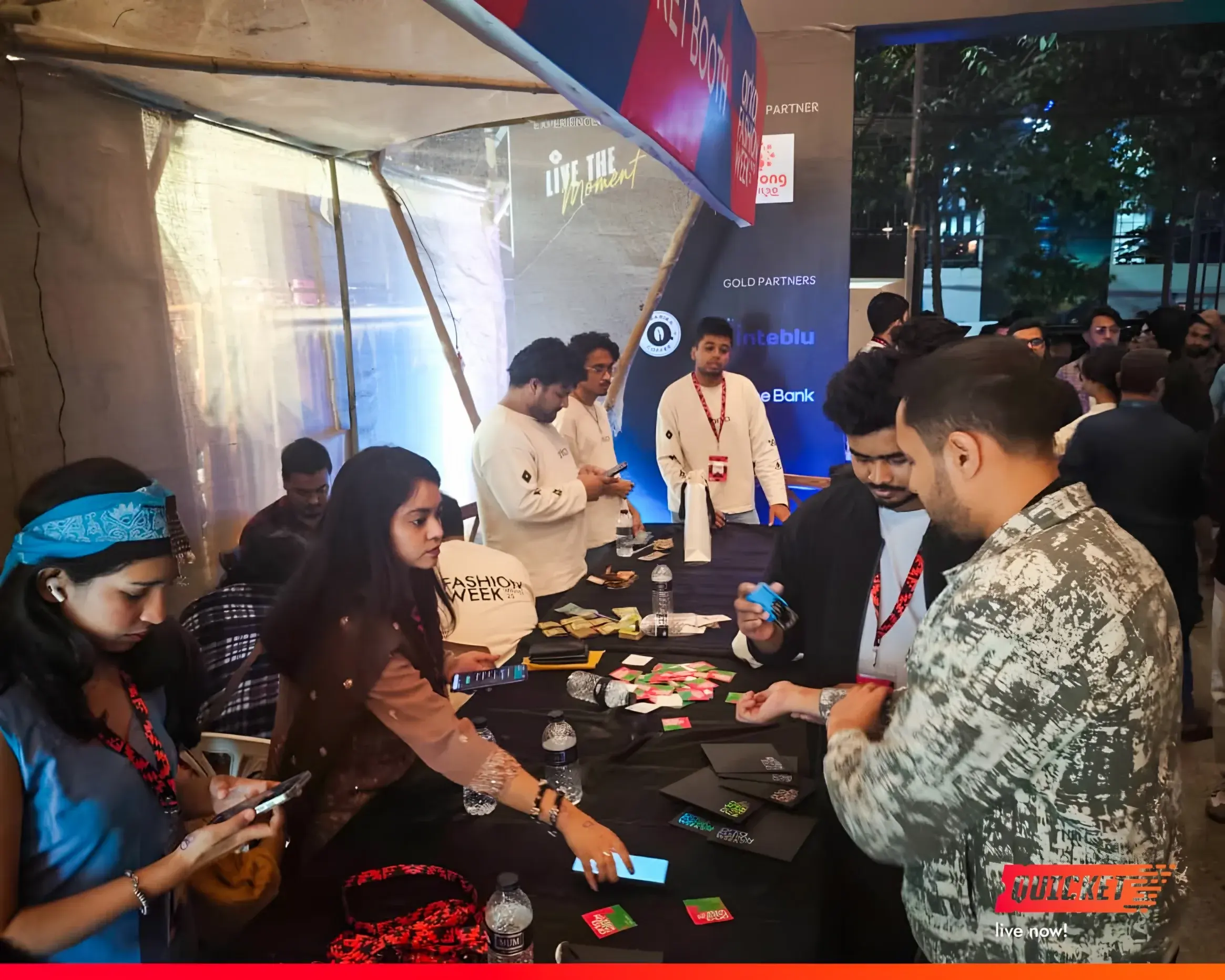
Door and online in one feed
Door sales appear in the same live transaction feed as online orders, so you can settle up with the door team against real numbers before the hall is empty.
Over a theatre run or a season of comedy nights, you also see which nights draw walk-ups and can staff the door to match.
150+
organizers have sold on Quicket, from comedy open mics to Arka Fashion Week
Questions people ask
Does Quicket POS run on iPhone?
No, Quicket POS is an Android app. Gate scanning with Quicket Studio works on both iOS and Android.
How can buyers pay at the door?
Cash, Bangla QR, or card on your bank's terminal. Quicket POS records each sale and prints the ticket.
Does the box-office app work offline?
No. Quicket POS needs an internet connection, so check the signal at your box-office spot before doors open.
Are door tickets scanned at the gate?
Yes. Tickets printed by Quicket POS are scanned in Quicket Studio the same way as online tickets.
Do door sales show up with my online sales?
Yes. They appear in the same live transaction feed for the event, alongside orders paid online with bKash, Pathao Pay or card.